
MSC Wi-Fi Packages 2026: Prices, Browse vs Stream and How to Log In

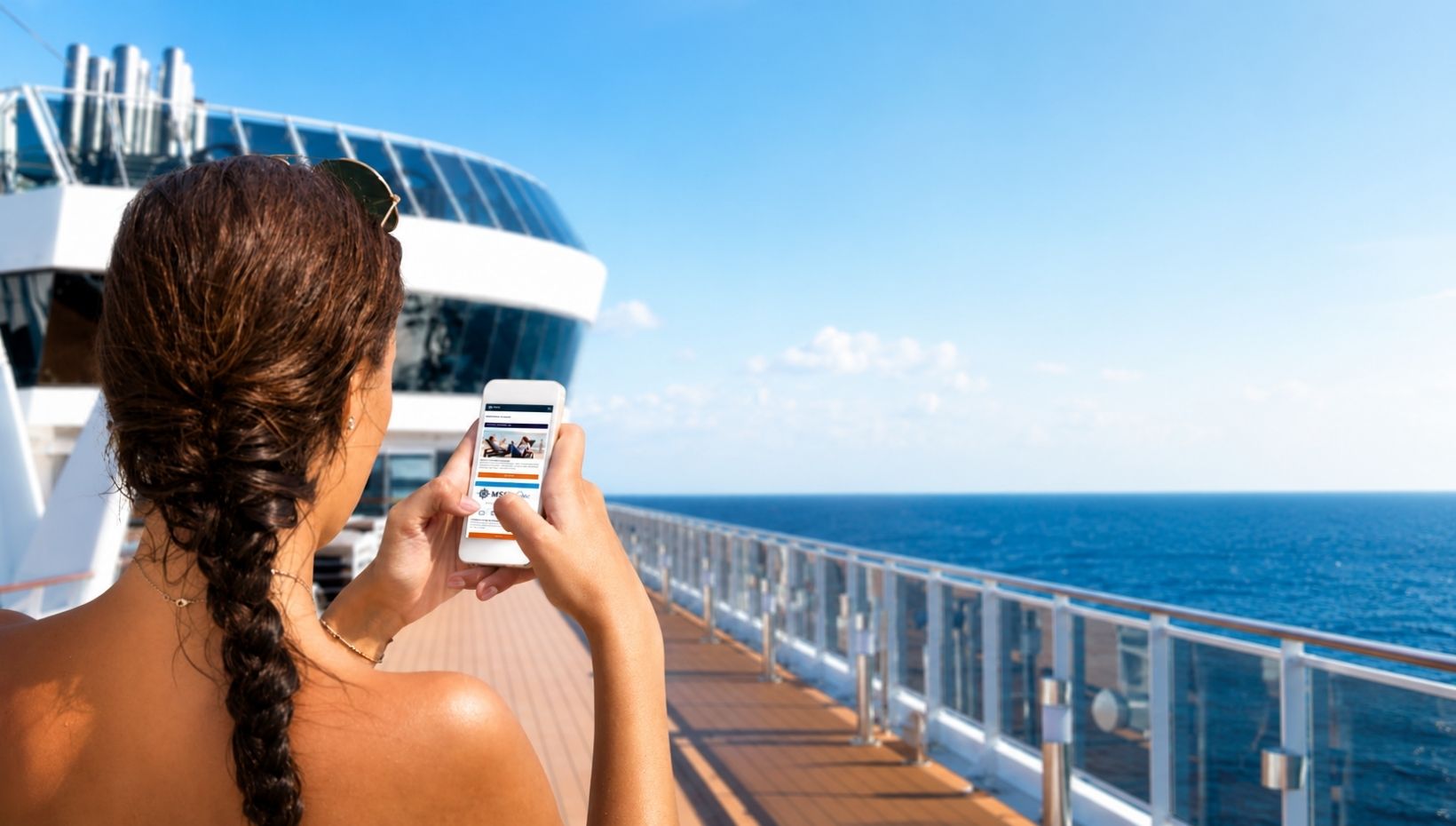
MSC Cruises offers Wi-Fi across its entire fleet, allowing guests to browse the internet, send messages and stay connected while at sea.
There are two main internet options: the Browse Cruise Package and the Browse & Stream Cruise Package. Both include unlimited data and 24-hour access, but they support different online activities!
Before purchasing a package, it is especially important to understand MSC’s device policy. Once you activate the package on a phone, tablet or computer, that device cannot be removed and replaced with another one.
So, if you're someone who switches between your laptop and your phone (or your Kindle and your phone) it's definitely something to keep in mind!
Quick answer: MSC sells two Wi-Fi packages, Browse and Browse & Stream, for 1 to 4 devices with unlimited data. Buy before the cruise to pay less. On recent 7-night sailings we have seen a two-device Browse package for about $244 to $309 before the cruise. Once a device is activated, it cannot be swapped for another one.
MSC Wi-Fi at a Glance
| Question | Answer |
|---|---|
| Packages | Browse, and Browse & Stream |
| Devices | 1, 2, 3 or 4 devices per package |
| Data | Unlimited, subject to a fair use policy |
| Example price | About $244 to $309 for two devices, Browse, 7 nights, bought before the cruise (recent sailings) |
| Where to see your price | Manage My Booking on MSC’s website, or the MSC for Me app |
| Last day to buy in advance | Up to two days before you sail |
| Onboard option | 24-hour pass for one device, sold only on board |
| Can you switch devices? | No. Each package stays on the devices you activate first |
| Included in Yacht Club? | Yes, Browse for two devices per person |
What MSC Wi-Fi Packages Are Available?
MSC currently offers two main internet packages.
The Browse Cruise Package is designed for basic internet use. It allows guests to browse websites, send and receive emails and images, and use messaging apps such as WhatsApp, Messenger and Telegram.
The Browse & Stream Cruise Package includes everything in Browse, along with video calls, music and video streaming, social-media video uploads and live streaming.
Both packages include unlimited data, although they remain subject to MSC’s Fair Use Policy. Extremely heavy activity, such as large cloud backups, software updates or continuous file transfers, may be slowed to protect the shared onboard network.
What Is the Difference Between Browse and Browse & Stream?
The biggest difference is video and audio.
The standard Browse Package is not designed for video calls or streaming services such as Netflix, Hulu, YouTube, Amazon Music and similar platforms. It is best suited to email, web browsing, messaging and sharing photos.
MSC’s own FAQ says a video call may sometimes connect on Browse, but the quality is not guaranteed. If calls home matter to you, plan on Browse & Stream.
Guests who want to watch videos, stream music, join a video call or post live video should choose the Browse & Stream package.
For most guests who simply want to check messages, read the news and occasionally post photos, Browse should be enough. Browse & Stream is the better choice for anyone who expects to watch entertainment or make video calls during the cruise.
| Feature | Browse | Browse & Stream |
|---|---|---|
| Web browsing, email and messaging | Yes | Yes |
| Photos and images | Yes | Yes |
| Video calls | Not supported (may work, not guaranteed) | Yes |
| Music and video streaming | No | Yes |
| Social-media video and live streaming | No | Yes |
How Much Does Wi-Fi Cost on MSC Cruises?
As a real-world example, recent 7-night sailings have shown a two-device Browse package for about $244 to $309 when bought before the cruise, depending on the promotion running at the time. Browse & Stream costs more, and buying onboard costs more again.
MSC does not publish one fixed fleetwide Wi-Fi price. The cost can vary depending on the cruise length, package level and number of devices selected.
Guests can see the price for their sailing by signing into Manage My Booking or opening the MSC for Me app.
MSC says packages purchased before the cruise are priced lower than packages purchased onboard. Pre-cruise purchases are normally available until two days before departure, and MSC occasionally runs additional internet-package promotions.
Guests may also purchase a 24-hour pass for one device after boarding, although the full-cruise package will usually make more sense for anyone who expects to connect regularly.
How to Pay Less for MSC Wi-Fi
- Buy before you sail. Pre-cruise prices are lower than onboard prices, and you can buy up to two days before departure.
- Watch for sales. MSC regularly runs internet promotions in Manage My Booking, often a percentage off the onboard price, so check your booking more than once.
- Use your Voyagers Club discount. All Voyagers Club members get 5% off internet packages, and Blue Diamond members get one free Browse package for one device each cruise. If you hold status with another cruise line, see our MSC Status Match guide.
- Buy the right number of devices up front. Adding devices later means paying the difference, but buying a separate package costs more.
- Consider a drinks and Wi-Fi bundle. MSC sometimes sells fares or promotions that combine a drink package and Wi-Fi. Compare it with the separate prices in our MSC drink packages guide.
- Book Yacht Club. Browse Wi-Fi for two devices per person is included, see what MSC Yacht Club costs.
How to Connect to MSC Wi-Fi (mscwifi.com)
Once you are on board, connecting takes about a minute:
- Turn on airplane mode, then turn Wi-Fi back on. This keeps your phone off expensive cellular roaming at sea.
- Join the network called MSC [ship name] HOTSPOT.
- Open the MSC for Me app, or go to mscwifi.com in your browser.
- Log in with your cabin details, choose your package if you have not bought one yet, and tap Start.
The device you tap Start on becomes one of your registered devices for the whole cruise, so do it on the phone, tablet or laptop you actually want online.
How Many Devices Can Use MSC Wi-Fi?
MSC sells internet packages for one, two, three or four devices.
A two-device package allows two registered devices to be connected at the same time. It does not mean you can freely rotate the connection between every phone, tablet and laptop in your cabin.
Each device is permanently registered to the package when it is first activated.
Can You Switch Devices With MSC Wi-Fi?
No. MSC does not allow guests to switch an activated Wi-Fi connection from one device to another.
For example, if you purchase a one-device package and activate it on your phone, you cannot later log out of the phone and move the connection to your laptop. The phone remains the registered device for the rest of the package.
This is different from some other cruise lines that allow one active connection to be moved between multiple devices.
Choose your first device carefully. Once an MSC internet package is activated on that device, it cannot be transferred to another one.
Guests who may need both a phone and laptop should purchase a multi-device package before activating the first device. If necessary, MSC allows guests to increase the number of devices later by paying the difference between packages.
Can You Upgrade Your MSC Wi-Fi Package?
Yes. Guests can upgrade from Browse to Browse & Stream after boarding.
You can also increase the number of included devices. MSC says guests pay the difference between the full package prices rather than purchasing an entirely new package.
Packages cannot be downgraded after activation, and activated internet purchases are generally nonrefundable.
Is Wi-Fi Included With MSC Yacht Club?
MSC Yacht Club currently includes the Browse Package for two devices per person for the duration of the cruise.
The included package supports web browsing, emails, images and messaging apps. Yacht Club guests who want video calls or streaming can upgrade to Browse & Stream for an additional charge.
The same device restriction still matters. Once each included connection is activated, it cannot be transferred to a different device.
See everything else that comes with the suite in What’s Included in MSC Yacht Club, or how it adds up in How Much Does MSC Yacht Club Cost?
Do You Need Wi-Fi to Use the MSC for Me App?
No! You do not need to purchase an internet package to use the onboard features of the MSC for Me app.
Guests can connect to the ship’s Wi-Fi network and use the app to view activities, navigate the ship, check expenses and message other guests onboard without paying for internet access.
An internet package is only needed when you want to access websites, social media, external messaging services, email or other online content.
Does MSC Wi-Fi Work on Ocean Cay?
Yes. Wi-Fi is available on Ocean Cay MSC Marine Reserve, and MSC internet packages can be purchased before the cruise or onboard.
Connection quality may vary depending on your location around the island, the number of guests using the service and general satellite conditions.
Planning a beach day? See What’s Included at Ocean Cay.
How Fast Is Wi-Fi on MSC Cruises?
MSC’s internet service relies on shared satellite connectivity, so performance can vary throughout the cruise.
The connection may slow during popular periods, such as the morning or when large numbers of guests return from port. Weather, the ship’s location and blocked satellite visibility can also affect service.
Browse & Stream gives access to higher-bandwidth activities, but it should not be expected to perform exactly like high-speed home internet. MSC also does not guarantee that every VPN, corporate network or region-restricted streaming platform will function correctly.
Where Does MSC Wi-Fi Work on the Ship?
MSC says Wi-Fi covers all public areas and most staterooms, including MSC Yacht Club suites. The signal can be weaker out on balconies and in a few cabins far from an access point. Your package ends automatically at the end of the cruise.
MSC Wi-Fi Not Working? Try These Fixes
- Turn off your phone’s Private Wi-Fi Address (iPhone) or randomized MAC (Android) for the ship network. A changing address can make the system think you are a new device.
- Pause automatic photo and cloud backups. They can use up bandwidth and slow everything else down.
- Turn off your VPN if pages will not load. MSC does not guarantee VPNs will work.
- Forget the network and reconnect, then log in again at mscwifi.com.
- Still stuck? Guest Services can check your registered devices.
Which MSC Wi-Fi Package Should You Choose?
The Browse Package should be enough for guests who mainly want to send messages, check email, browse websites and share photos.
Browse & Stream is the better option for video calls, music, movies, YouTube and social-media video.
The more important decision may be the number of devices. Because MSC does not let you switch registered devices, someone who needs internet on both a phone and laptop should purchase at least a two-device package.
Purchasing before the cruise can also reduce the cost and gives you time to decide exactly which devices you plan to connect.
MSC Wi-Fi FAQ
Is Wi-Fi free on MSC Cruises?
No. You need to buy an internet package, unless you are staying in MSC Yacht Club, which includes Browse for two devices per person. Connecting to the ship network to use the MSC for Me app is free.
Can I use WhatsApp with the MSC Browse package?
Yes. Browse covers messaging apps such as WhatsApp, Messenger and Telegram for text and photos. Video calls need Browse & Stream.
Can two people share one MSC Wi-Fi package?
Only by using the same device. Each package is tied to the devices activated on it, so two people with two phones need a two-device package.
Does MSC Wi-Fi work in port?
Yes, the ship’s Wi-Fi keeps working in port. Many guests also switch to their own cellular plan in port if roaming is included.
Can I cancel my MSC Wi-Fi package?
Once a package is activated, it is nonrefundable. If you have not activated it yet, check Manage My Booking or ask Guest Services.
What is mscwifi.com?
It is the ship’s internet login page. It only works while you are connected to the ship’s Wi-Fi network.
The Bottom Line
MSC’s Wi-Fi packages are fairly straightforward once you understand the difference between Browse and Browse & Stream.
Both include unlimited data, but the standard Browse Package does not support streaming or video calls. Prices vary by sailing, and purchasing before departure is normally less expensive than waiting until onboard.
The biggest thing to remember is MSC’s device rule. A connection is permanently attached to the first phone, tablet or computer used to activate it. You cannot log out and move that connection to a different device later.
Take a moment to choose the right device and package before pressing the activation button.